MonitorDog Control Center
This page explains each feature of the MonitorDog Agent Mac application page.
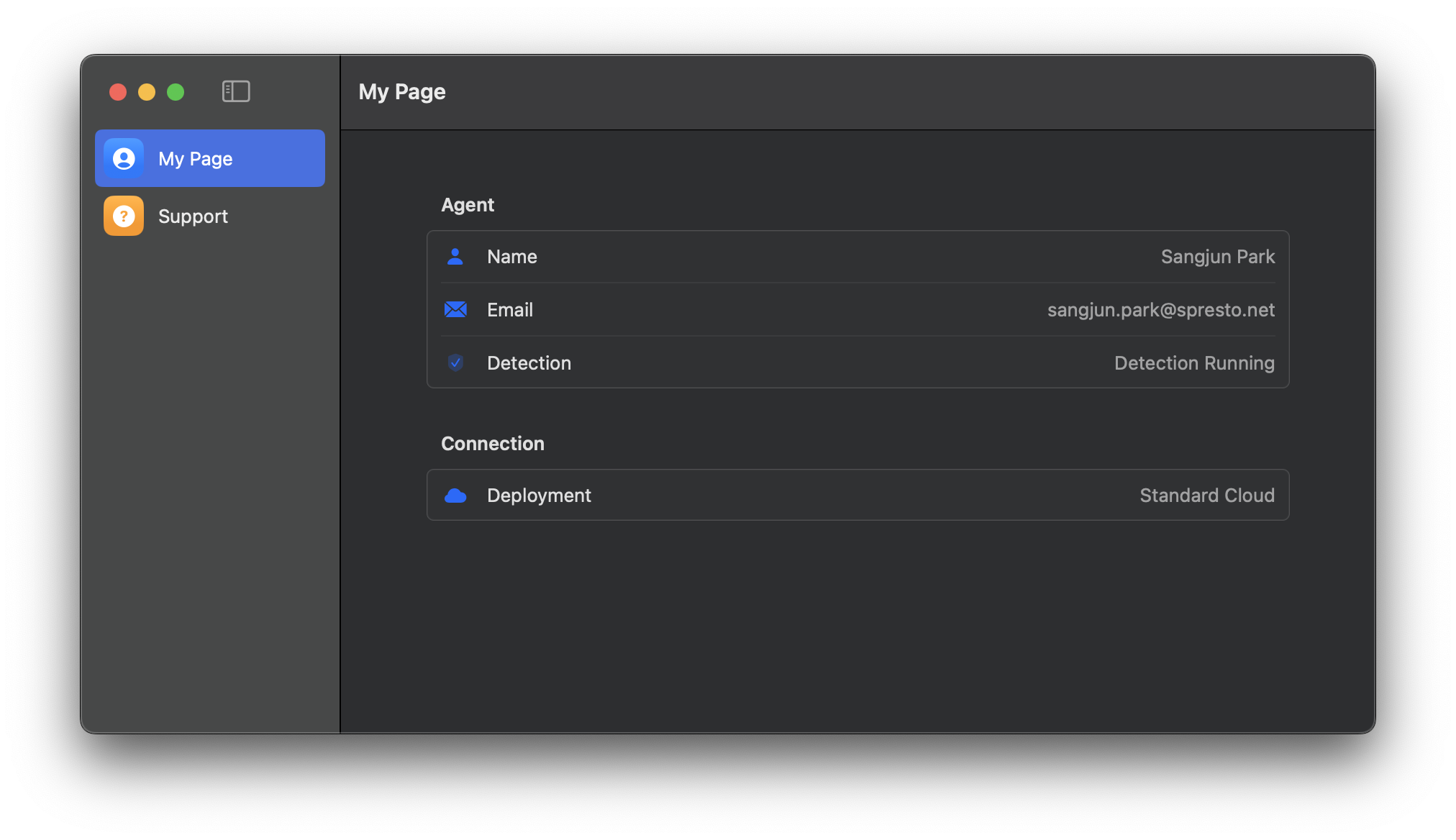
My Info Page
This feature lets you check your information. You can view your registered email, name, and monitoring status.
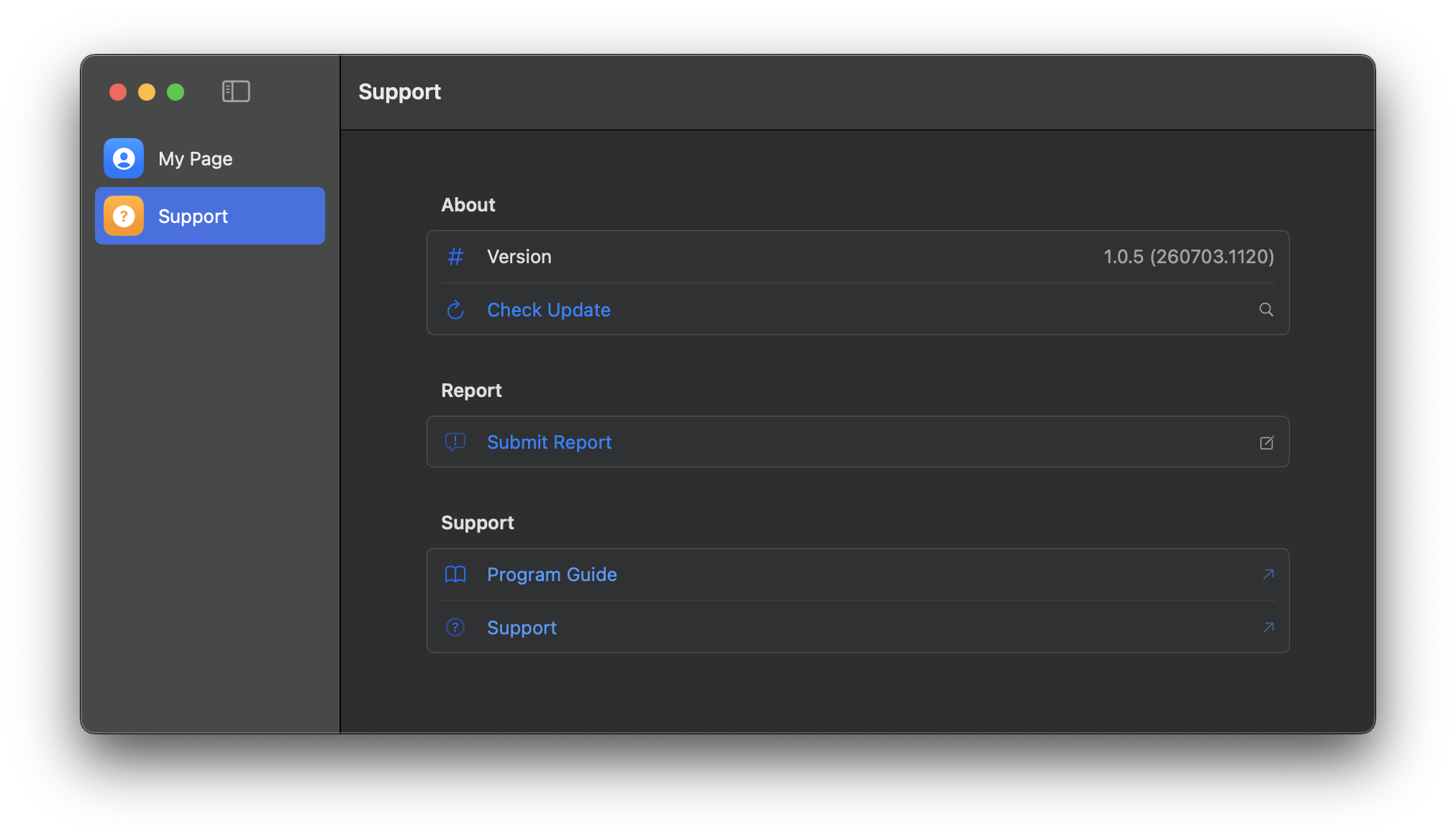
Support Center Page
This page provides MonitorDog version information and support menus.
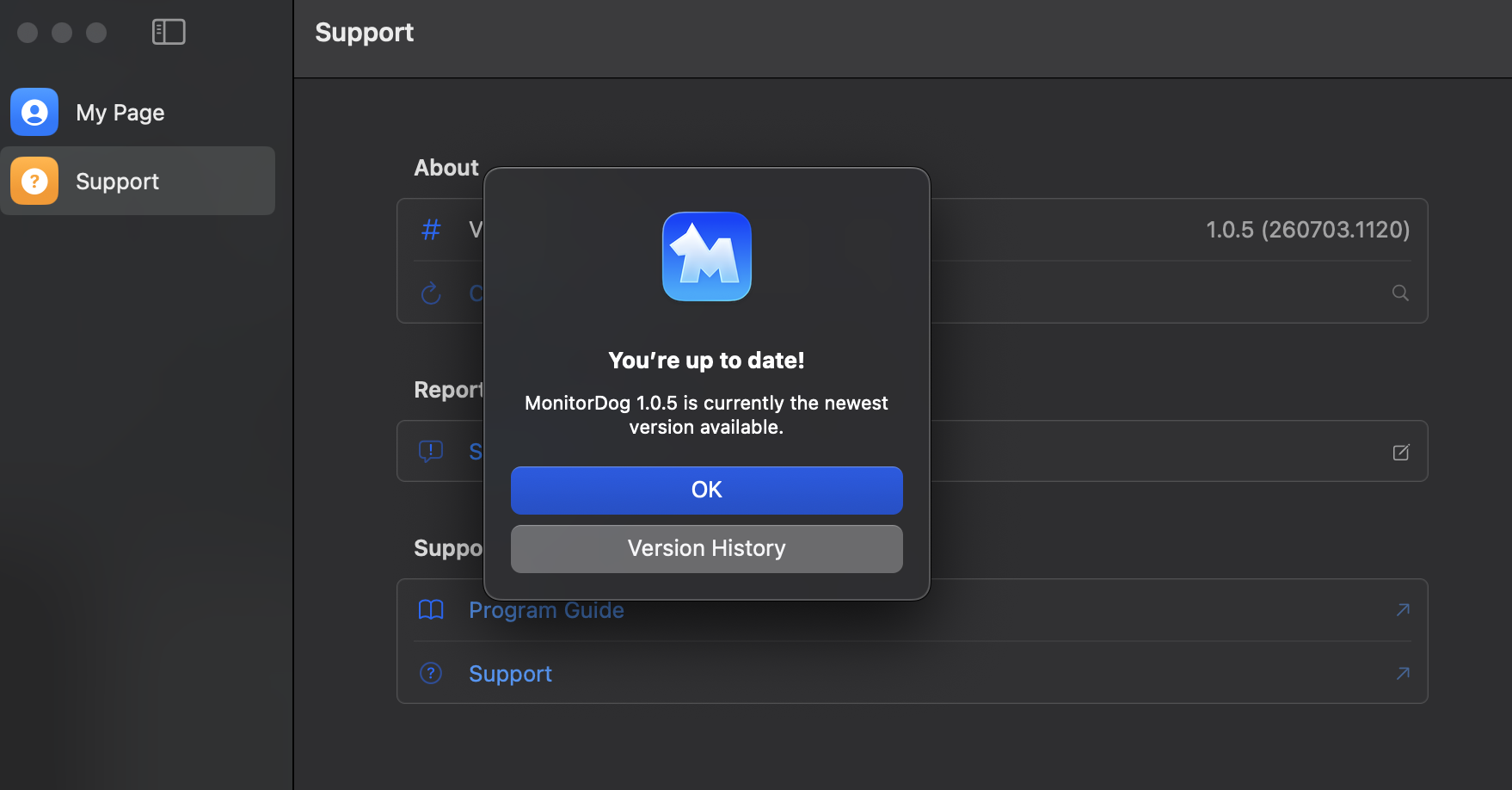
Check for Updates
Click the Check Update button to check whether an update is available. If an update is available, you can proceed with the update immediately.
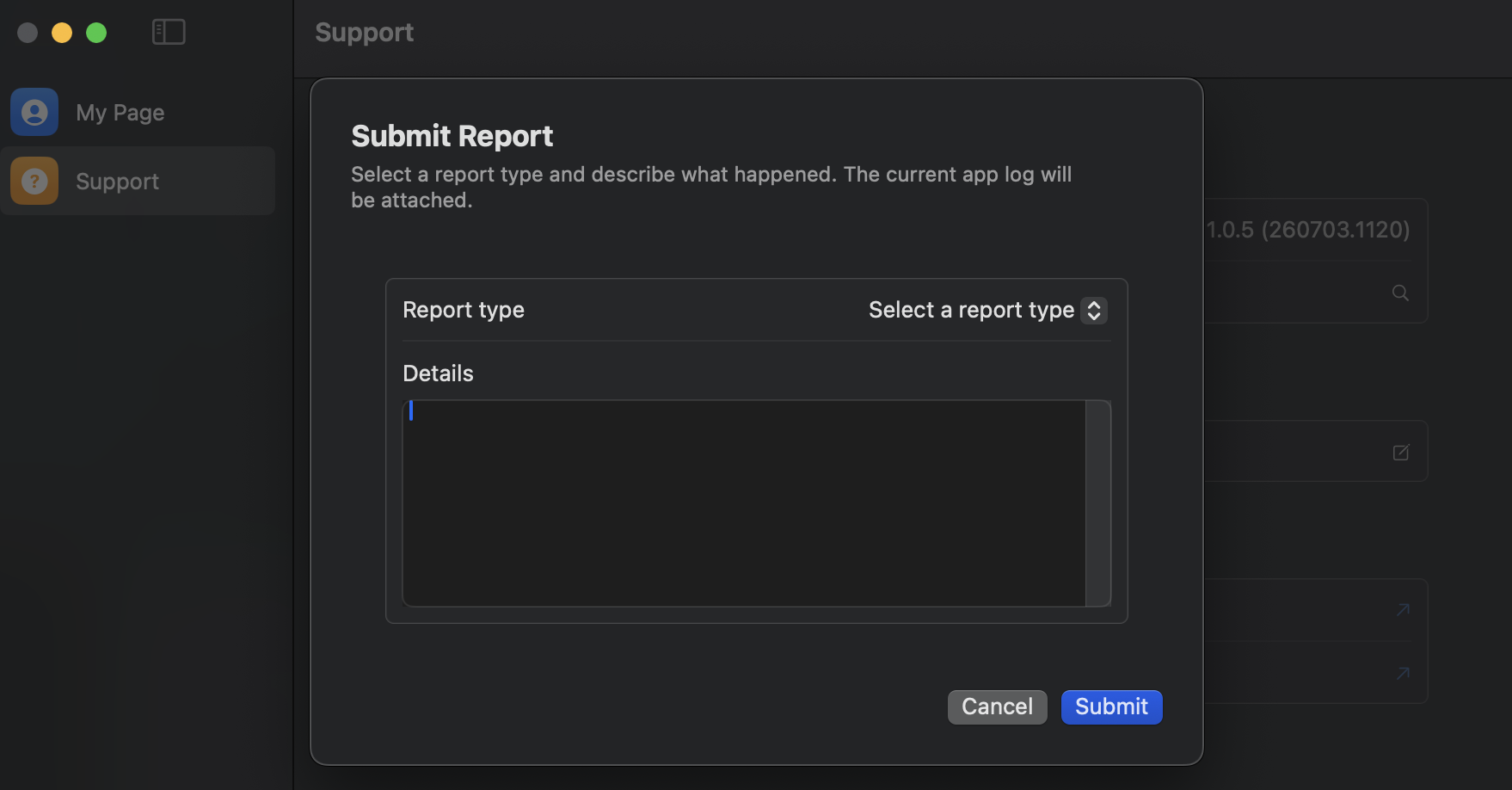
Submit an Inquiry Report
This feature sends issues or inquiries that occur while using MonitorDog to the MonitorDog team. Enter the type and inquiry details, then submit them so the MonitorDog team can review and take action.
Customer Support
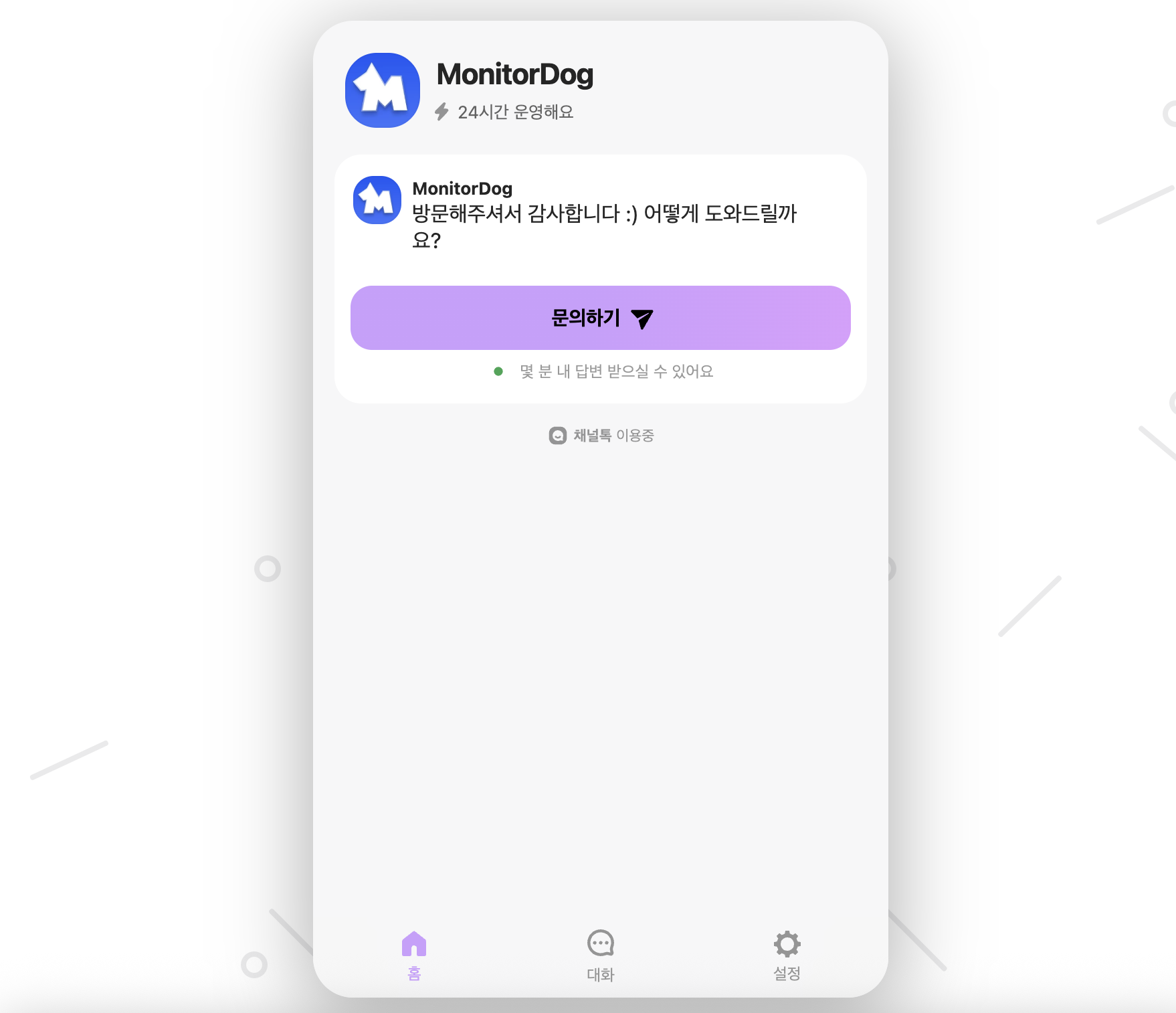
This moves you to a chat page where you can communicate with the MonitorDog team in real time. Use this when immediate action is needed.