Login
This page explains each feature of the MonitorDog Agent Mac application login page.
This is the MonitorDog Agent login page. Log in with your MonitorDog account to activate monitoring.
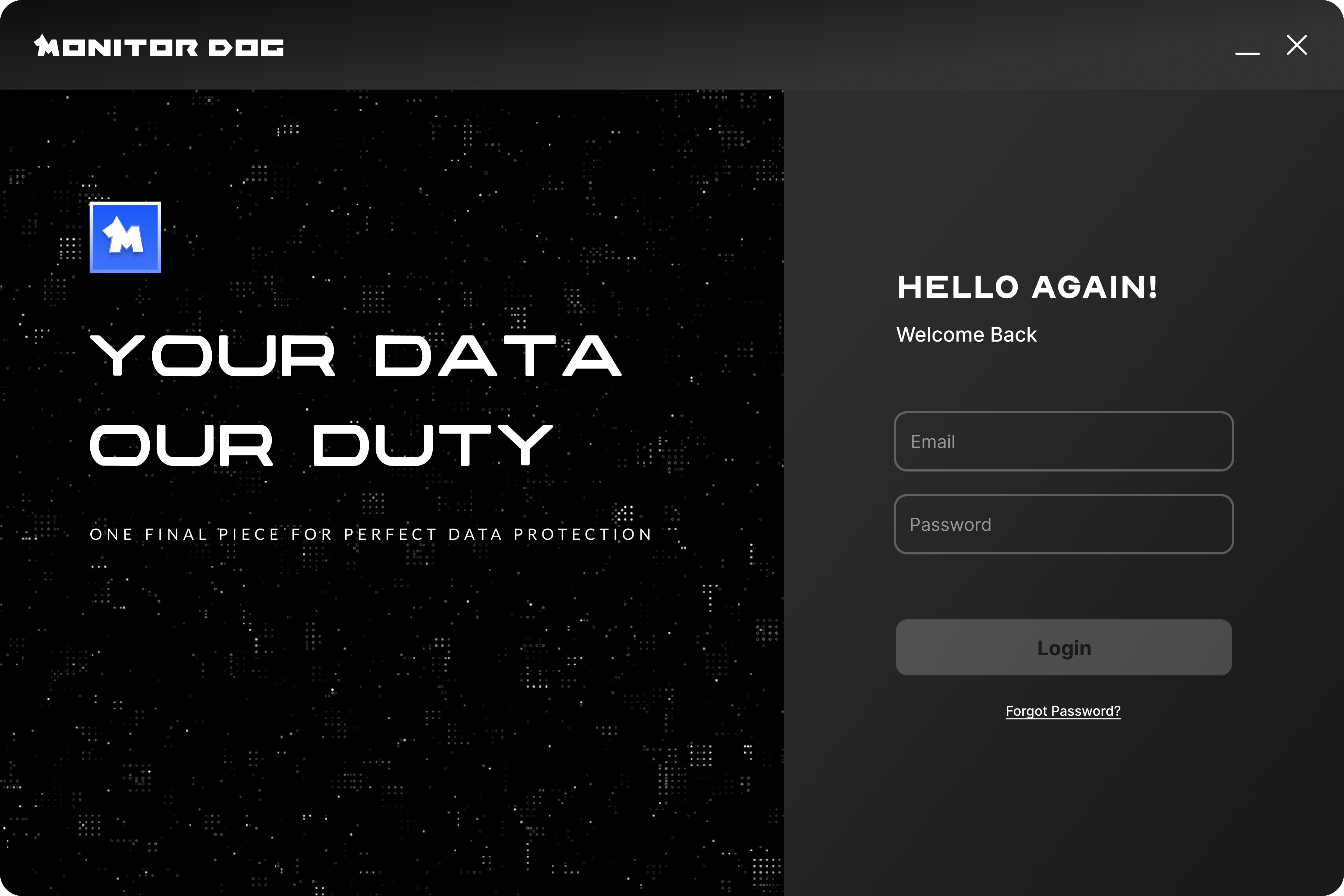
Q. What happens if I do not log in?
A. On devices where MonitorDog is installed, features are restricted if you do not log in. If you need to use the device without logging in, you can use Temporary Access for limited use for 1 minute. For security, please log in before using the device.
Q. How do I create a MonitorDog account?
A. You can create an account through the invitation email sent by your administrator. Use the sign-up link (URL) included in the email to complete registration. After registration, you can use both the MonitorDog Agent and MonitorDog Admin.
MFA Authentication
Users with MFA authentication enabled are required to complete additional MFA authentication.
When logging in with a MonitorDog account, a 6-digit verification code is sent to the registered email address. After entering the code and completing verification, the MonitorDog Agent is activated.
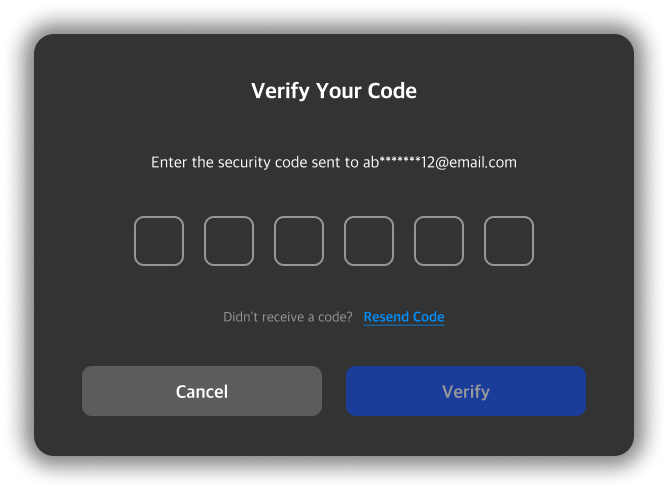
Q. I want to disable MFA authentication.
A. If you want to disable MFA authentication and use only single-step authentication, contact your administrator and request that MFA authentication be disabled.