My Page
This page explains each feature of the My Profile section in the MonitorDog Admin Console.
You can update your profile, change your password, and configure email notification preferences.
Profile
You can view and update your personal profile information.
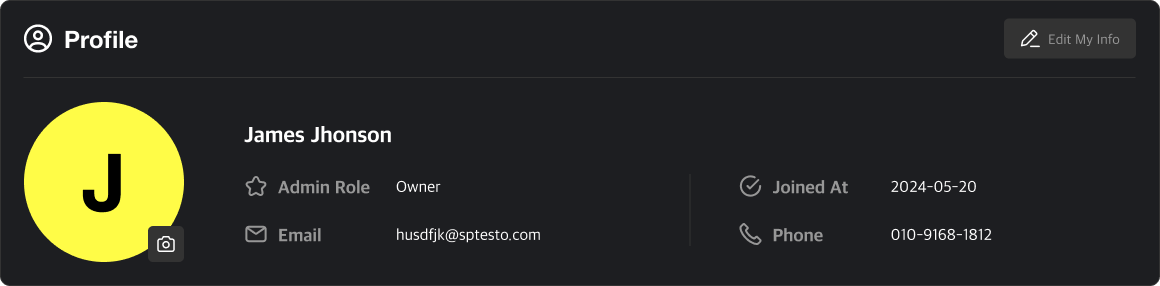
Q. What is the Admin Permission?
A. It defines your access level within the MonitorDog Admin Console.
There are five roles, and access to pages and actions varies based on your role.
Only users with Editor or higher roles can modify roles, and only for users with lower permissions. To upgrade your role, please contact a higher-level administrator.
Q. Can I change my email address?
A. No. The email address used during registration cannot be changed.
Q. Can I update department or position information?
A. On this page, only your name and contact number can be edited.
Other details such as department and position must be updated from the User Detail Page by an Editor or higher.
If you want to change this information, please reach out to an authorized admin.
Account Management
Perform account-related actions here.
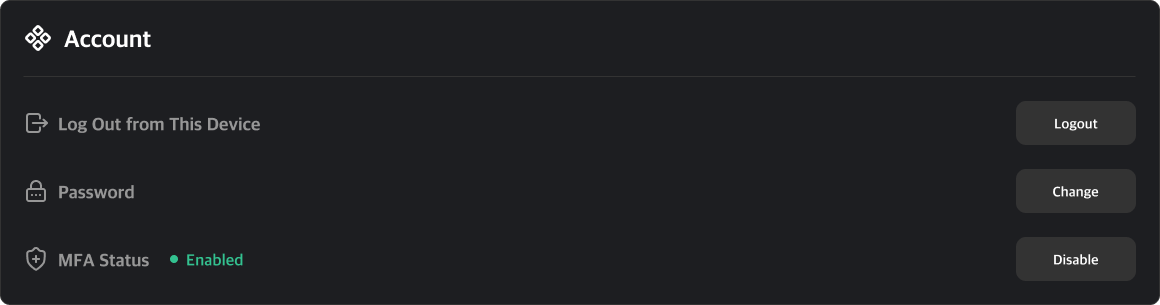
Available Actions:
- Logout: Sign out of the MonitorDog Admin Console.
- Password: Update your login password.
- MFA Status: Configure MFA. When enabled, a verification code is sent to your registered email during login.
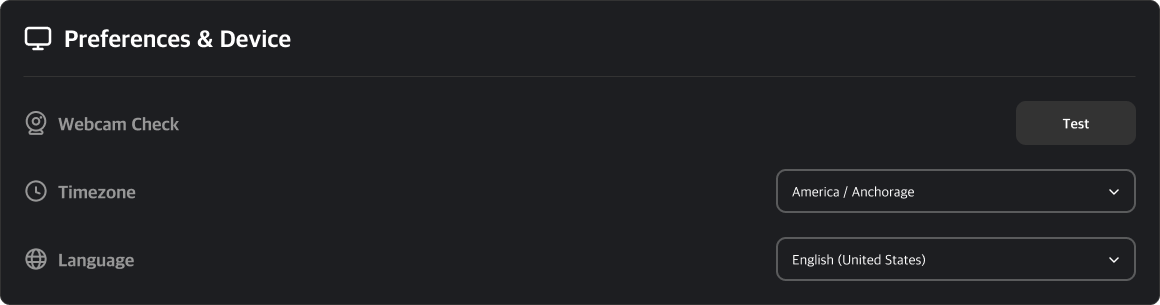
Environment and Equipment
- Webcam Settings: Go to the Webcam Checker page.
- Timezone: Configure your account timezone.
- Language: Configure your account language. Korean, English, and Japanese are supported.
Email Notification Settings
Choose whether to receive email notifications for events and suspicious activities.
When enabled, you’ll get email alerts for all active detections.
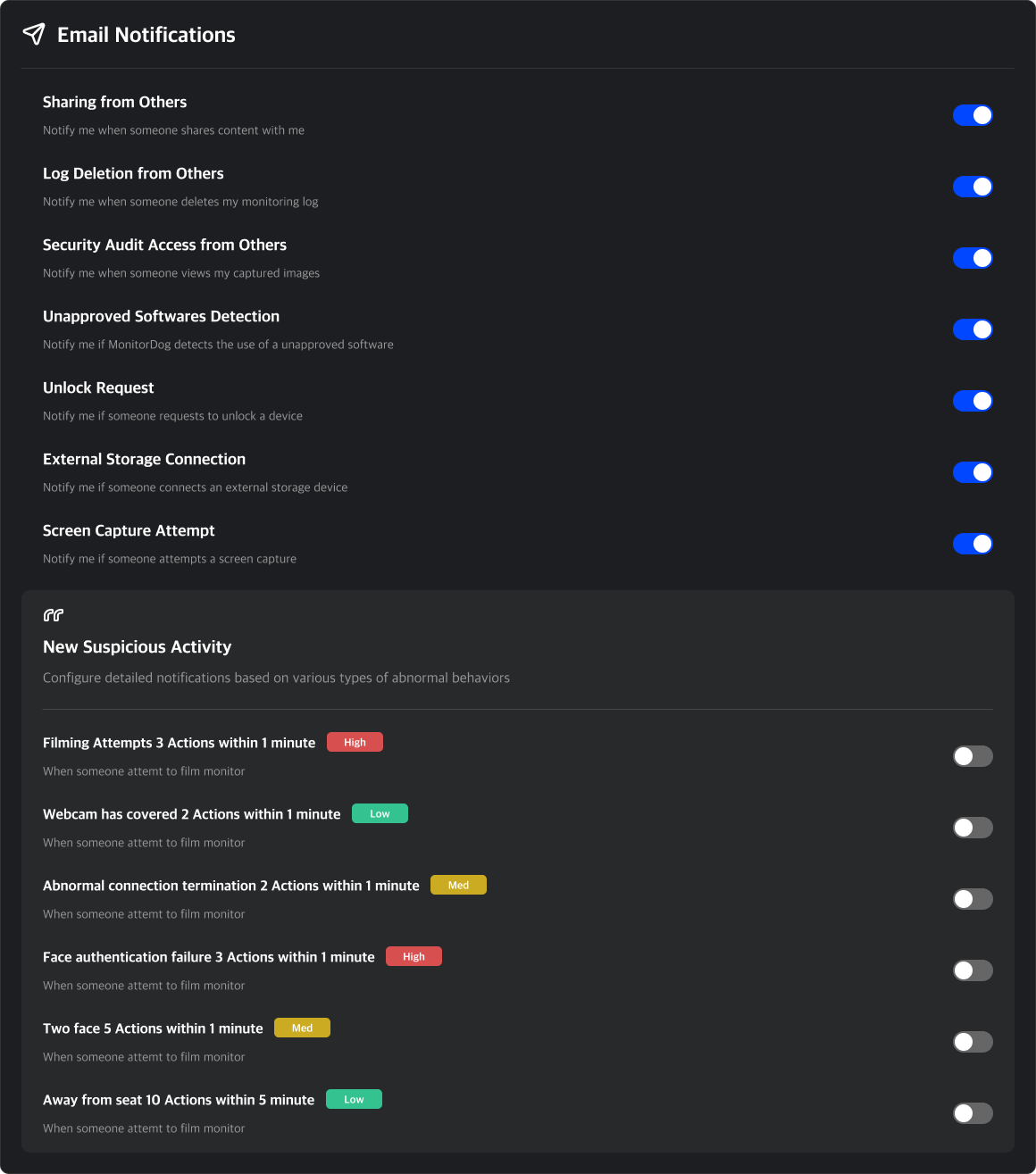
Q. I want to receive alerts for more suspicious activities!
A. You can create new suspicious activity scenarios in the Scenario Creation Page.
Once the scenario is active, email notifications will apply accordingly.