MonitorDog Update: Added Face Authentication, Improved AI Model, Added On-premise Settings

Protect your valuable information with a strengthened security system and optimized performance!
Key Update Details
Changes at a Glance
• Face Authentication System: Enables identity verification via face recognition for login and unlocking.
• Advanced Biometric Option: Provides high-level security by verifying actual user presence beyond simple data matching.
• Improved Detection Accuracy: Enhanced smartphone detection and significantly reduced false positives for 'No Person' events.
• Resource Optimization: Reduced device resource (CPU/Memory) usage by 10–20% compared to previous versions.
• On-premise Support: Added configuration settings tailored for corporate on-premise security environments.
What has changed?
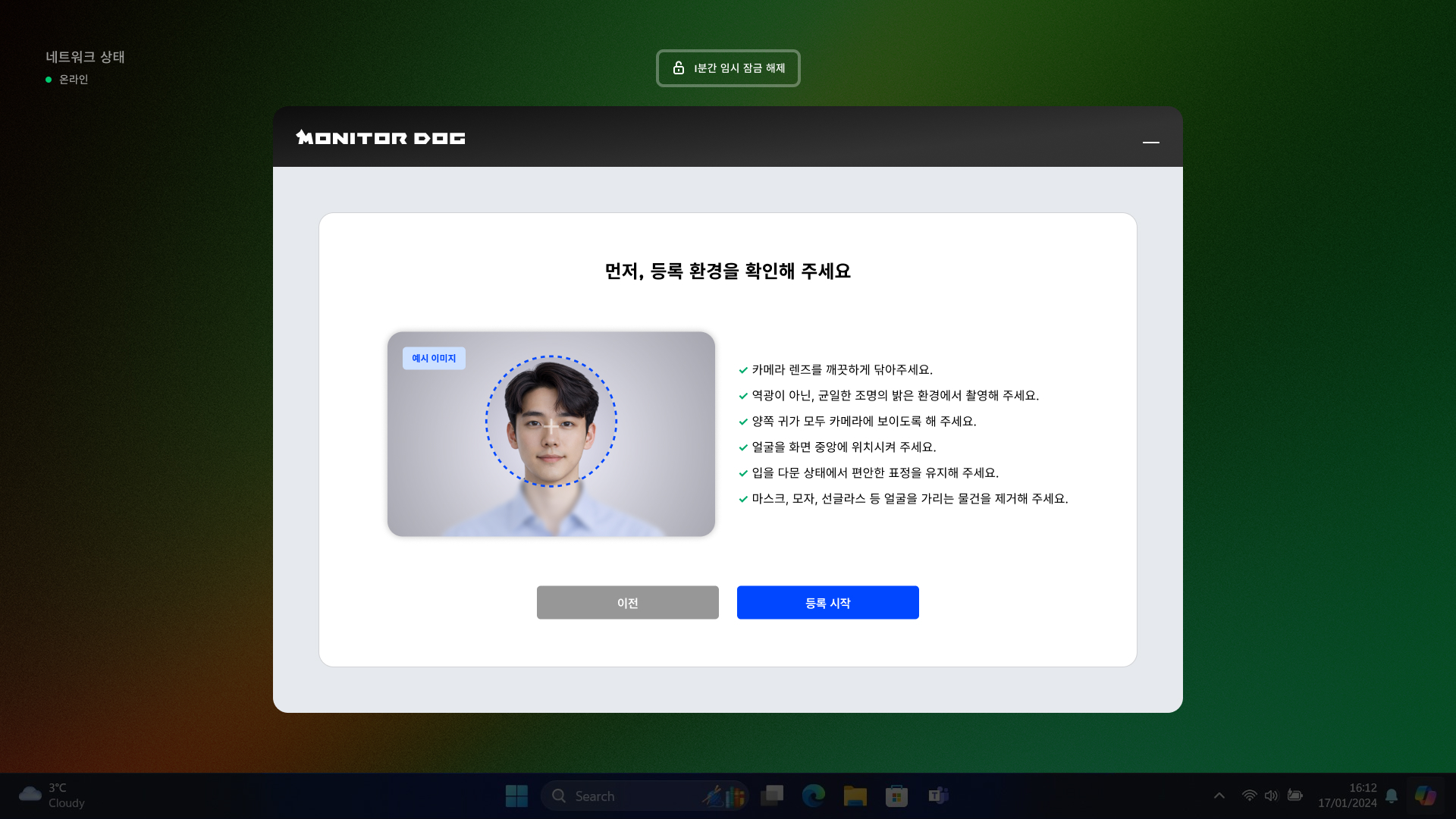
1. New Identity Verification: Face Authentication
You can now enable the Face Authentication System via the Admin Dashboard to strengthen your security policy.
- User Authentication: Adds an identity verification step when logging in or returning from an 'No Person' lock to enhance security.
- Data Security: Facial images are not stored directly; instead, they are managed as encrypted feature data to prevent personal information leaks.
- Advanced Biometric Option: You can set the highest security level by enabling the Biometric Authentication option, which determines if the detected face is a real person rather than a photo or video.
- Authentication Monitoring: Real-time monitoring of face authentication success and related security events is available through the Admin Dashboard.
2. Improved AI Model Performance and Accuracy
We have significantly upgraded the performance of our core detection models through continuous learning and algorithmic refinement.
- Enhanced Smartphone Detection: Detection performance has improved by 5–10%, allowing for accurate detection across various angles and lighting conditions.
- Reduced False Positives: Improved 'No Person' detection algorithms to minimize unnecessary screen locks during work.
- Resource Efficiency: Through engine optimization, Memory and CPU usage have been reduced by 10–20%, ensuring smooth operation similar to a standard web browser.
3. Added On-premise Configuration
For companies requiring closed-network operations or local data storage, a new On-premise Configuration feature has been implemented.
- During initial installation, you can flexibly choose between Cloud or On-premise environments based on corporate security policies.
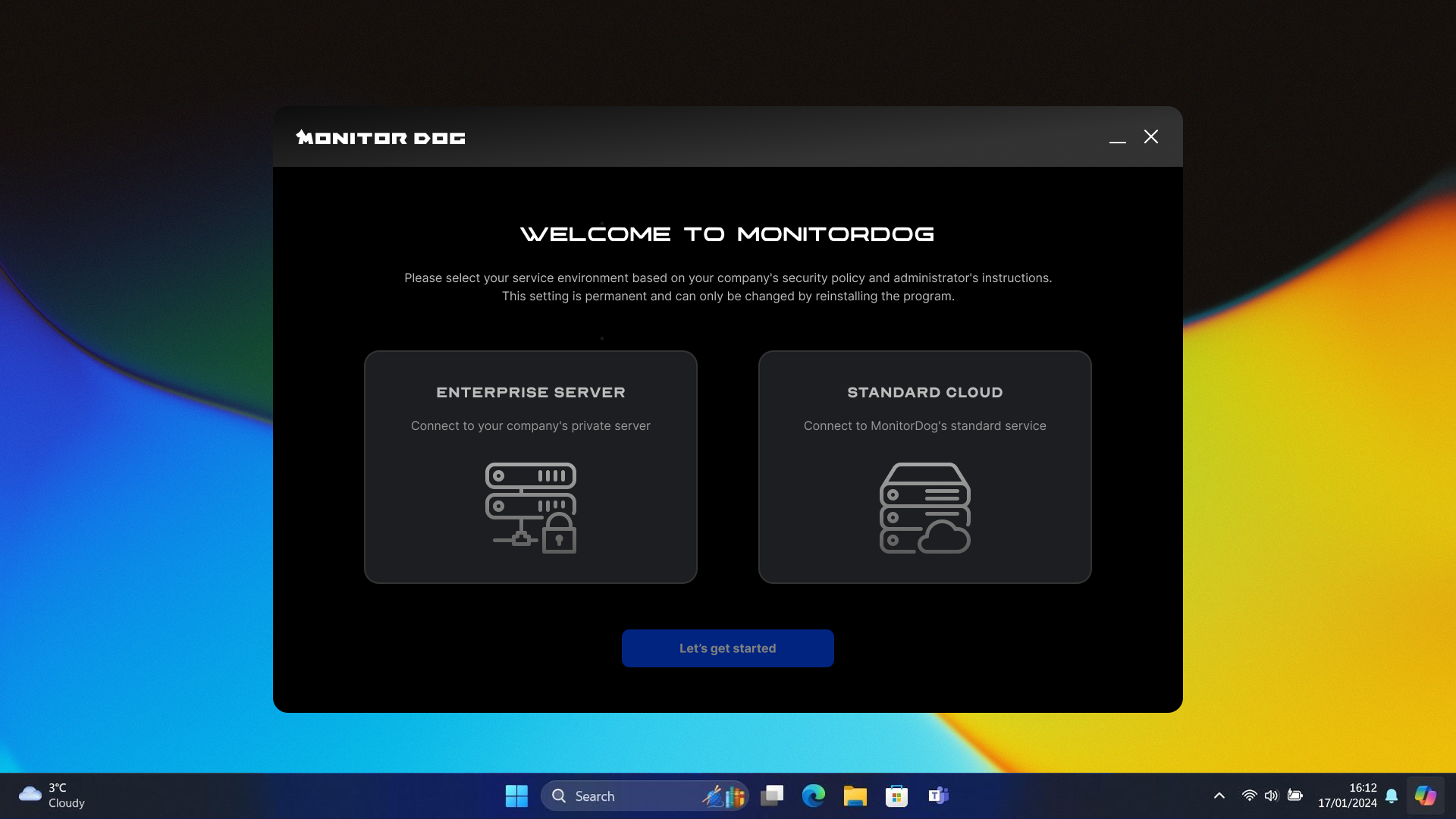
Setting up MonitorDog in an on-premise environment requires a separate configuration process. Please contact the MonitorDog team for detailed technical support.
Important Notes
- This feature is only supported on MonitorDog Agent version 1.2.1 or higher.
- Install the updated agent to experience a more convenient and secure environment.